20/10/2026 02:51
How Does the Rack Fold? Telegram GIF Demonstrations for Cambodian Homeware Shops
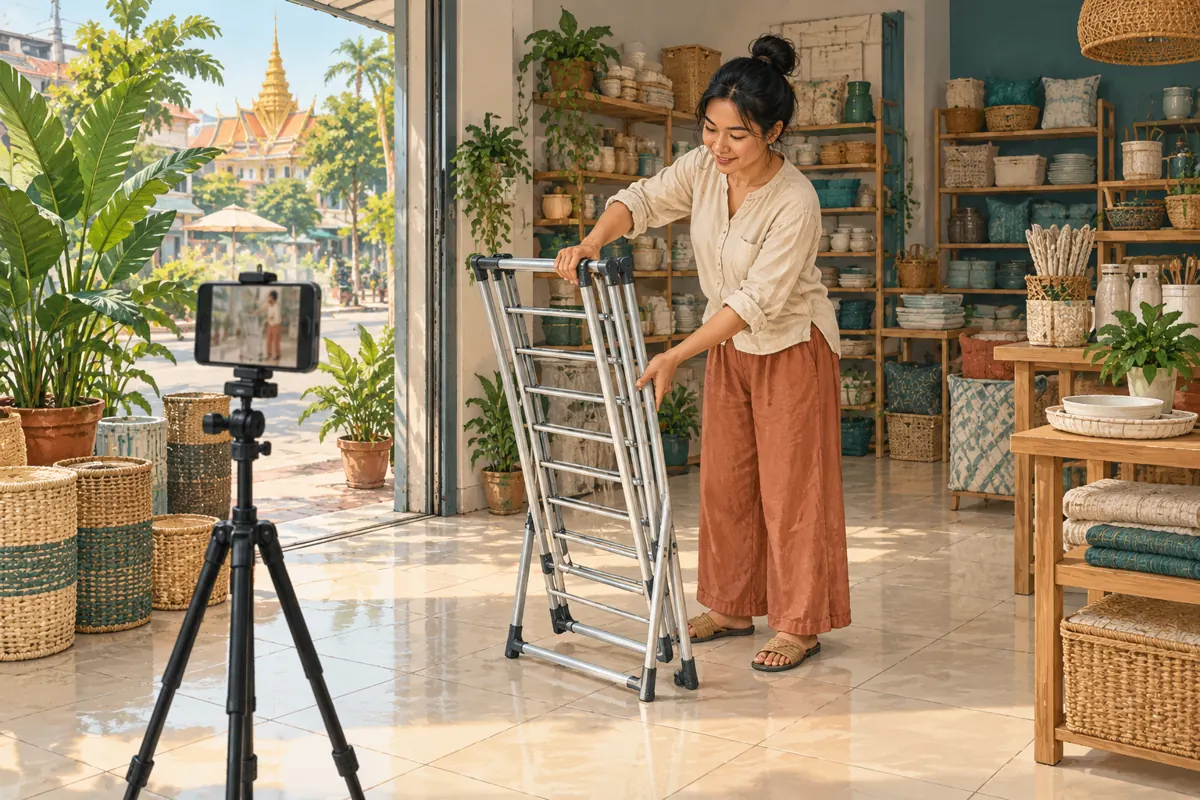
A photograph can show a drying rack standing open, but it may leave a shopper wondering how it folds for storage. A short animation can make that movement easier to understand before someone visits the shop. For Cambodian homeware businesses promoting products through Telegram, the useful question is whether the demonstration resolves a buying uncertainty. This guide follows a hypothetical Phnom Penh shop preparing a folding-rack post. It explains how to choose the format, film an honest sequence, add context and review enquiries before considering an SMM-panel service. The examples are illustrative, and the accompanying images are conceptual illustrations rather than evidence about a particular product.
1. Choose one question the movement can answer
Start with a question customers actually ask at the counter or in messages. For this hypothetical shop, the question is: does the rack fold into a narrow shape for storage? That gives the demonstration a concrete job. Showing several colours, delivery arrangements and every accessory in the same animation would make the folding action harder to follow. Keep those details in the surrounding product information.
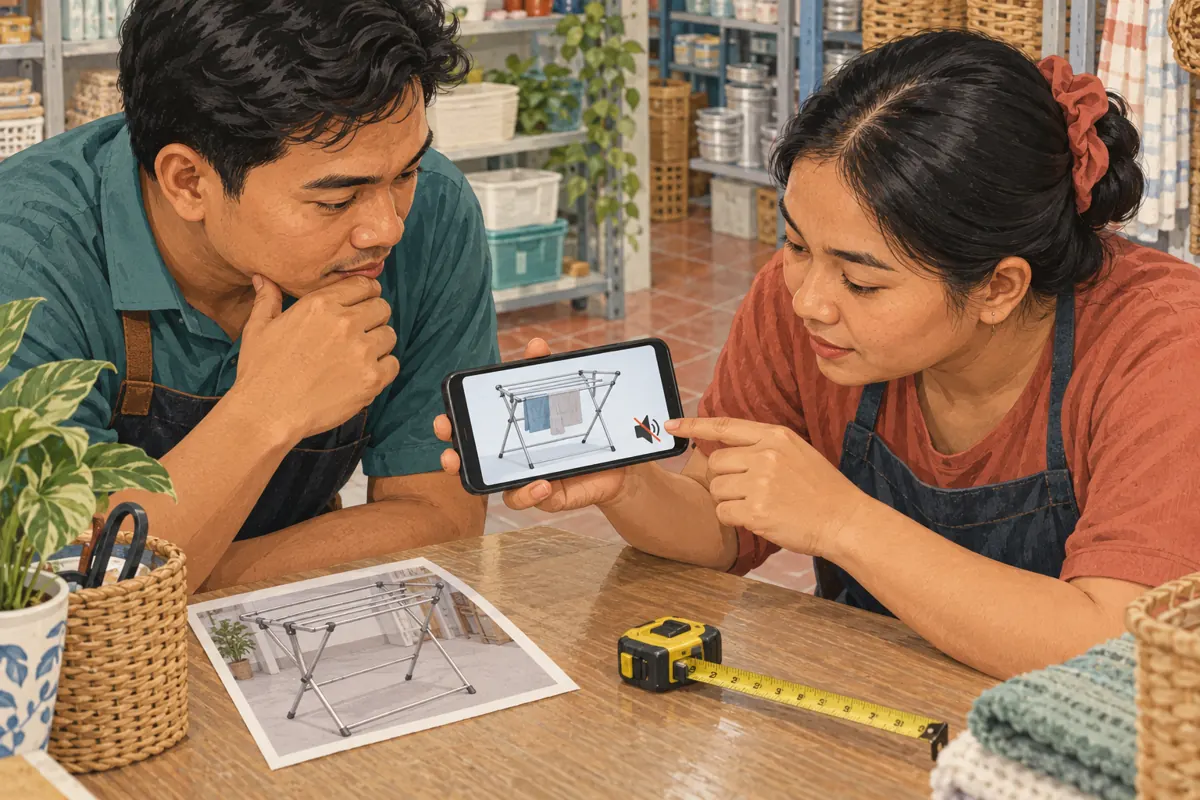
Write a simple filming brief: show the actual model open, show the folding movement and hold the final position long enough to inspect. Record the model reference before filming so another employee can match the clip to stock. If two racks look similar but fold differently, give each its own demonstration. A viewer should never have to guess whether the mechanism in the post belongs to the product being offered.
2. Decide whether a GIF is enough
Telegram’s official technical documentation explains that its GIFs are handled as videos without sound. A GIF therefore suits a short movement that remains understandable without narration. For the hypothetical rack, this could be a clear view of its frame moving from open to folded. If the explanation depends on hearing a latch click or following several instructions, choose a conventional video with an appropriate explanation instead. Source: https://core.telegram.org/api/gifs
Use a still photograph when the customer mainly needs to inspect a measurement, surface finish or included part. Use a longer video when they need a complete setup sequence. Use a GIF when repetition helps them see one simple action. These formats can support each other: the animation explains movement, while a separate photograph provides a readable view of the folded dimensions. Do not make the animation carry information that needs a pause and careful reading.
3. Film the real action without hiding essential steps
Choose a tidy area with enough contrast between the rack and the background. Place the phone where the relevant joint and the demonstrator’s hands remain visible. Record a full take before making close-ups. This gives the editor a reference for the real sequence and helps prevent a misleading cut between two positions that required an unseen release or adjustment.
Follow the product’s actual operating instructions. If a release must be pressed before folding, include it or explain that the short clip is only an overview and provide the complete demonstration nearby. Do not reverse footage to invent an opening sequence, speed up a difficult movement to suggest effortless operation, or cut away while another person supports the frame. In the hypothetical shop, the employee reviewing the clip should compare it with the physical rack, rather than approve it solely because the movement looks smooth.
4. Make the repetition understandable
Begin with a recognisable product position rather than a hand already covering the mechanism. Let viewers see the open rack, the action and the folded result. A brief still moment at the end helps distinguish the completed movement from the restart. Avoid trying to create a perfectly seamless loop if doing so makes the rack appear to unfold by itself.
Keep the original recording and create a separate edited version. Trim empty preparation time, but preserve whatever viewers need to interpret the movement. Then watch several repetitions. Look for a confusing jump, a hand obscuring the release, or a crop that removes the feet. Telegram documents automatic GIF playback and notes that users can disable it, so the post should also make sense before the animation starts. Use a clear accompanying description and a useful still image where needed. Source: https://telegram.org/blog/gif-revolution
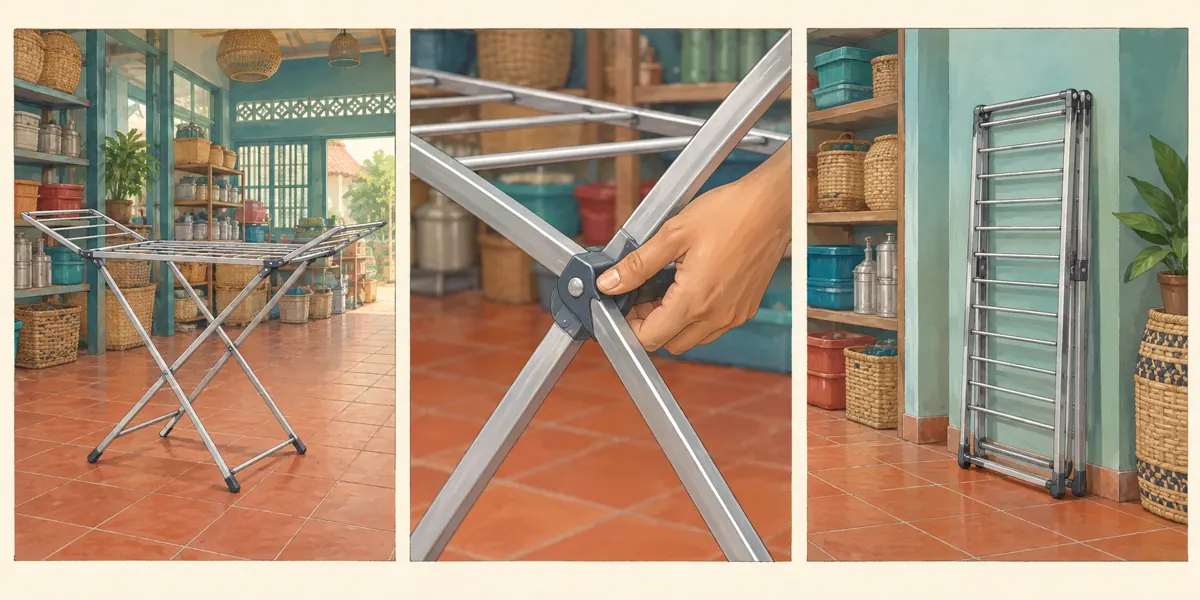
5. Add a caption that identifies the demonstration
Telegram supports captions for GIFs selected from its GIF panel. Its official instructions say to press and hold the chosen GIF and select Add Caption. The same update describes an Edit option for trimming and adding visual elements. Check the options available in the app you use, then test the resulting message before putting it in the shop channel. Source: https://telegram.org/blog/member-tags-disable-sharing-and-more
For the hypothetical shop, a suitable English draft is: “Folding demonstration for our compact drying rack. This clip shows the frame moving into its storage position. Ask us for the folded measurements and current availability before visiting.” Adapt the customer-facing wording into Khmer when that is the audience’s preferred language. Add only verified model details. Avoid calling the rack suitable for every balcony or strong enough for any load merely because the demonstration looks easy.
6. Provide information the moving image cannot establish
A folding demonstration does not establish load capacity, long-term durability, rust resistance or suitability for outdoor exposure. Those claims need their own reliable product information. Separate what is visible from what is documented: viewers can see the frame folding, but cannot infer how it will perform after months of use. If a specification is unknown, say that staff must confirm it instead of filling the gap with a confident caption.
For a Cambodian customer considering storage in a small room or covered balcony, measured dimensions may matter more than an attractive loop. Provide verified open and folded measurements, using clearly stated units, in the product information. Add a short text description of the movement for people who cannot comfortably follow the animation. The description should explain what happens, not merely say that the GIF is useful. Keep essential details outside tiny text embedded in the image.
7. Test the post with someone who did not film it
Send the draft to a colleague and ask them to explain what the rack does after watching it once. Do not first explain the movement yourself. Ask which model they think is shown, whether any step seems missing and what they would still need before deciding to visit. Their uncertainty is useful editing feedback; it is not a reason to add more promotional adjectives.
Review the message on a small phone screen, including the initial view before playback. Check that the caption identifies the model and that the joint remains visible without zooming. If the colleague misunderstands the release, change the framing or use a longer video. If they understand the action but still need dimensions, improve the product information. This separates a demonstration problem from an information problem and prevents repeated filming that cannot resolve the real question.
8. Decide whether an SMM service fits the purpose
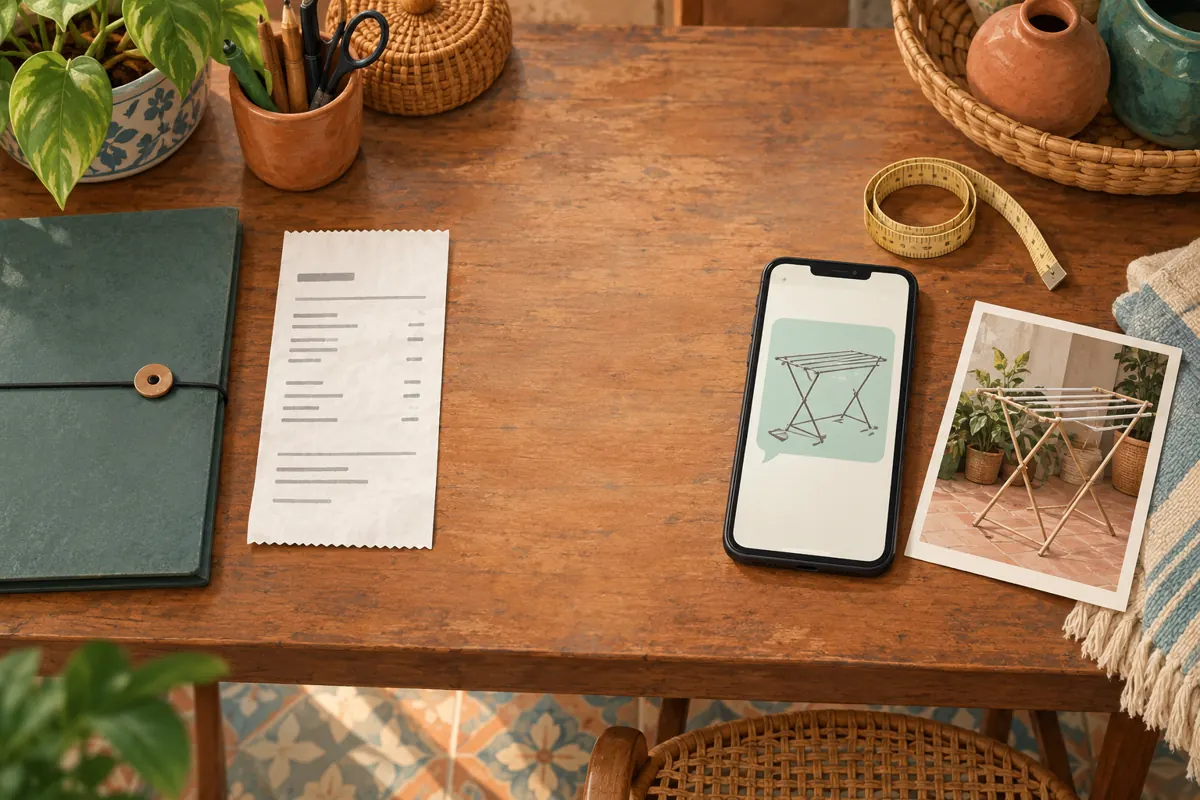
The supplied KhmerBoosting catalogue includes the exact public service name “Telegram - Views ~ INDIA ~ BOT ~ 1 POST”. Its title presents it as a Telegram post-view listing, but the supplied description is empty. There is no supporting detail here about delivery, eligible media, account characteristics or suitability for this demonstration. The title’s country and bot wording must not be turned into a claim that it brings Cambodian shoppers.
If the shop’s objective is to learn whether nearby customers understand the folding action, this listing does not answer that question. Purchased engagement is not evidence of genuine interest, sales, advertising delivery or Cambodian users. The sensible decision can be to skip the purchase and spend the available time improving the demonstration. If reviewing a panel service for another documented purpose, first check its current terms, relevant platform rules and precise target requirements. A catalogue entry does not establish official platform affiliation.
9. Publish with a useful next step
Once the demonstration and product details are ready, choose one practical invitation. For the hypothetical rack post, ask viewers to request folded measurements or confirm availability for the pictured model. Give staff a consistent way to identify it when someone sends a screenshot. Avoid asking for unrelated reactions merely to make the message appear popular; the next step should help a shopper resolve a real uncertainty.
Prepare the answer before sharing the post more widely. Staff should know where the measurements are recorded, which stock version was filmed and who can confirm collection or delivery details. Share the demonstration in relevant conversations where the information is welcome, particularly when someone has already asked how the rack folds. If a customer needs a different model, send its own information rather than using the nearest-looking clip as a substitute.
10. Review questions and correct the right problem
After publication, record the kinds of genuine questions that arrive: folding steps, stored dimensions, price, stock or delivery. Do not treat every message as purchase intent. A question about operation shows an information need; a confirmed order requires its own transaction record. If the same folding question persists, inspect the demonstration before concluding that the audience is inattentive.
Common mistakes include adding distracting stickers over the mechanism, compressing the action until it becomes ambiguous, leaving an old model in a reusable GIF collection, and treating a higher counter as proof that the explanation worked. Review the clip whenever the stocked design changes. Keep any SMM order records separately from customer enquiries, and acknowledge uncertainty when explaining results. The next improvement should follow an observed problem: clearer framing for a hidden release, verified dimensions for a storage question, or updated availability for a stock question.
Frequently asked questions
Should the shop use a GIF or a video for the complete assembly instructions?
Use a video when customers must follow several steps, hear an explanation or understand an important operating detail. A GIF can introduce one visible action, but it should not replace complete instructions. Keep the full explanation easy to find and identify the model consistently across both versions.
Can a supplier’s animation replace filming the rack in the shop?
Only use material you have permission to use, and verify that it shows the exact stocked version. Compare the mechanism, accessories and final folded shape. If you cannot establish the match, film your own product or use verified photographs until you can provide an accurate demonstration.
What if customers still ask whether the rack fits behind a door?
That is a measurement question. Provide verified folded dimensions and ask the customer to measure the available space, including clearance for the door. Do not promise a fit from a photograph. A separate dimension image will usually answer this better than another edit of the folding movement.
Would buying Telegram views show that the GIF attracted local buyers?
No. A purchased view metric does not establish viewer location, comprehension or buying intent. Evaluate the explanation through genuine questions and direct feedback, and record confirmed sales independently. Keep the purchase visible in internal reporting so colleagues do not interpret the resulting counter as an unqualified audience response.
Explore the current service catalogue, create an account, or ask a specific question through support tickets.
- Telegram: Working with GIFs
- Telegram: GIF Revolution
- Telegram: Member Tags, Login with Telegram, Disable Sharing, GIF Editing, Date Formatting, Voting Timestamps
Prepared with AI assistance. Illustrations explain the workflow and do not represent customer results.