20/10/2026 15:59
How Many Bags, Which Print? Telegram Quick Replies for Cambodian Screen-Printing Shops
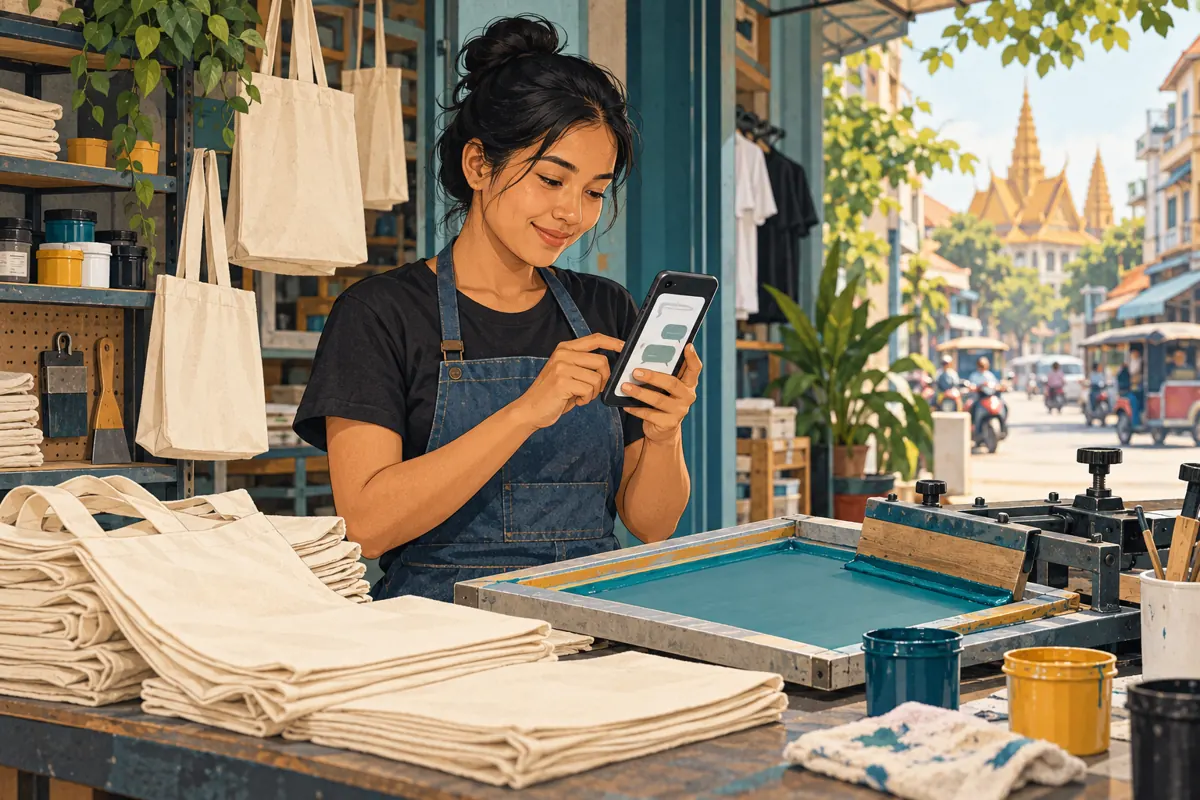
A photograph of a printed tote bag can start a conversation without giving a screen-printing shop enough information to quote. Someone asks the price, another sends a logo, and a third mentions an event date without saying how many bags they need. For a Cambodian shop promoting its work through social media, the next useful improvement may be a clearer first reply. Telegram quick replies can help staff reuse carefully written questions while leaving pricing and production decisions to a person. This guide builds a practical enquiry workflow around tote-bag printing, with hypothetical examples and a clear distinction between customer conversations and SMM-panel activity.
1. Define the question your promotion should answer
Choose one offer before writing reply templates: for example, printing a customer’s design on cotton tote bags supplied by the shop. A post showing several unrelated products can attract enquiries that require completely different questions. For this offer, show the bag, the print area and a close view of the finished surface. Explain whether the photograph illustrates a sample or an item currently available. Avoid implying that every design, fabric or deadline can be accepted.
The desired next step is a usable enquiry. Ask viewers to send the approximate quantity, artwork and required date through your designated business conversation. Do not call every message a lead ready to purchase. Someone requesting a single replacement bag has a different need from an organiser sourcing event merchandise. Your reply workflow should reveal that difference early, allowing the shop to answer appropriately before discussing promotion budgets or ordering any panel service.
2. Understand what Telegram quick replies actually do
Telegram describes quick replies as shortcuts for preset messages. They can contain multiple messages, formatting, links, media and files. In a private chat, typing a slash opens the quick-reply selection panel. Telegram’s documentation specifies that this feature works in private conversations with users, not groups. It is useful for staff sending established information after reading an enquiry; it should not be described as an automatic quoting system.
Look in Settings, then Telegram Business, and check the options and access requirements shown in your current app. Telegram’s launch announcement linked Business features to Premium access, so confirm the current offer before budgeting for it. Start with a small library covering initial details, artwork clarification and deadline checks. These are suggested reply categories for your shop, not official Telegram template names. Keep the library small enough that staff can choose the correct answer without searching through dozens of similar entries.
3. Build an intake reply customers can complete
A hypothetical first reply could read: “Thank you for asking about printed tote bags. Please send your approximate quantity, a picture or file of the design, whether you need printing on one side or both, and the date you need the bags. Will you collect them or need delivery to another area? We will check the details before confirming a quote.” This gives the customer a concrete task without suggesting that their order has already been accepted.
Ask only for information needed at this stage. A delivery area is usually enough for an initial conversation; a full street address can wait until delivery arrangements require it. If the customer already supplied the quantity and artwork, acknowledge those details and ask only for what is missing. Repeating the entire intake message after a detailed enquiry makes the shop appear inattentive. The template should reduce typing while preserving the feeling that someone has read the request.
4. Separate an artwork preview from print approval
A customer may send a screenshot simply to explain the design. Treat it as a starting point until the production worker has checked whether it is suitable. Prepare an artwork reply that asks for the original file if available, the approximate print size and the intended position on the bag. Avoid prescribing one universal file format unless your own production process requires it. Different jobs may need different preparation.
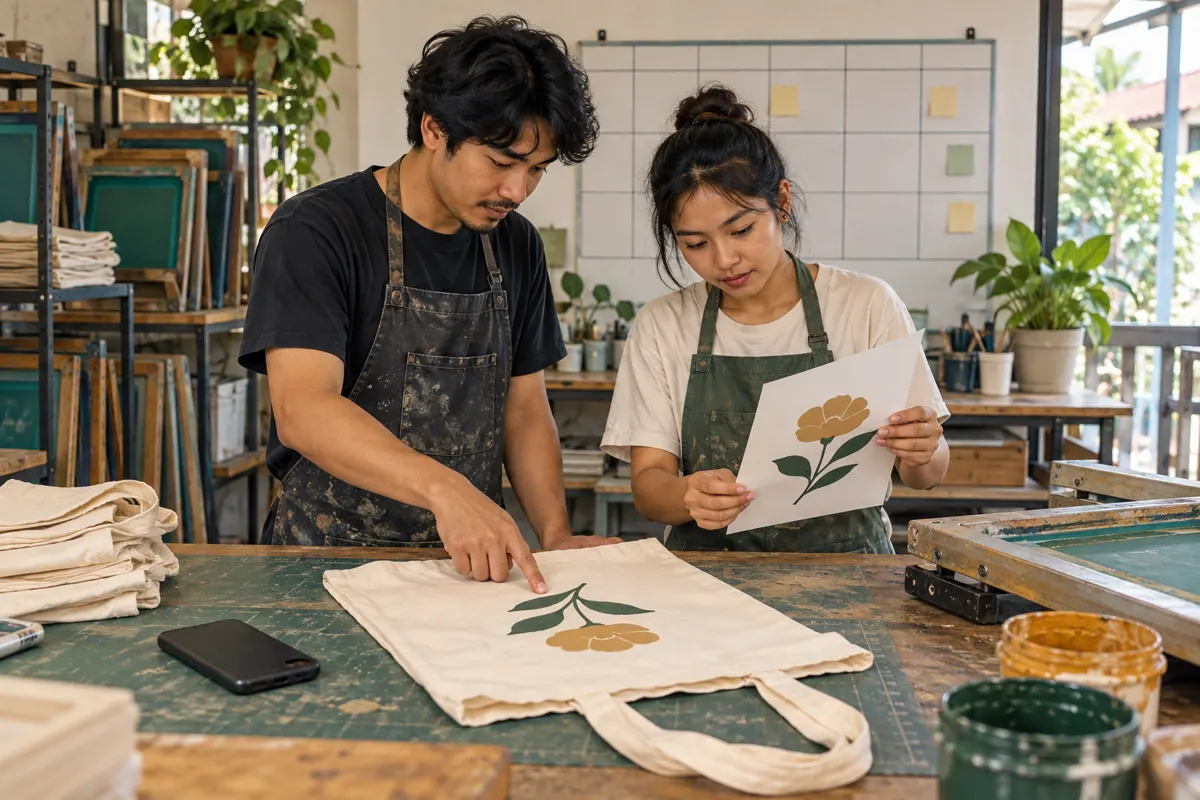
For a hypothetical order with a small flower design, the staff member might ask whether the customer wants the print centred or placed near a lower corner. A simple shop-owned positioning example can explain the question. Keep other customers’ artwork and identifying details out of reusable attachments. Before production, obtain a separate approval of the actual design, placement and agreed specifications. Receiving a file, sending a helpful explanation and receiving final approval are three different events; the conversation should make each one understandable.
5. Keep deadlines and prices out of permanent promises
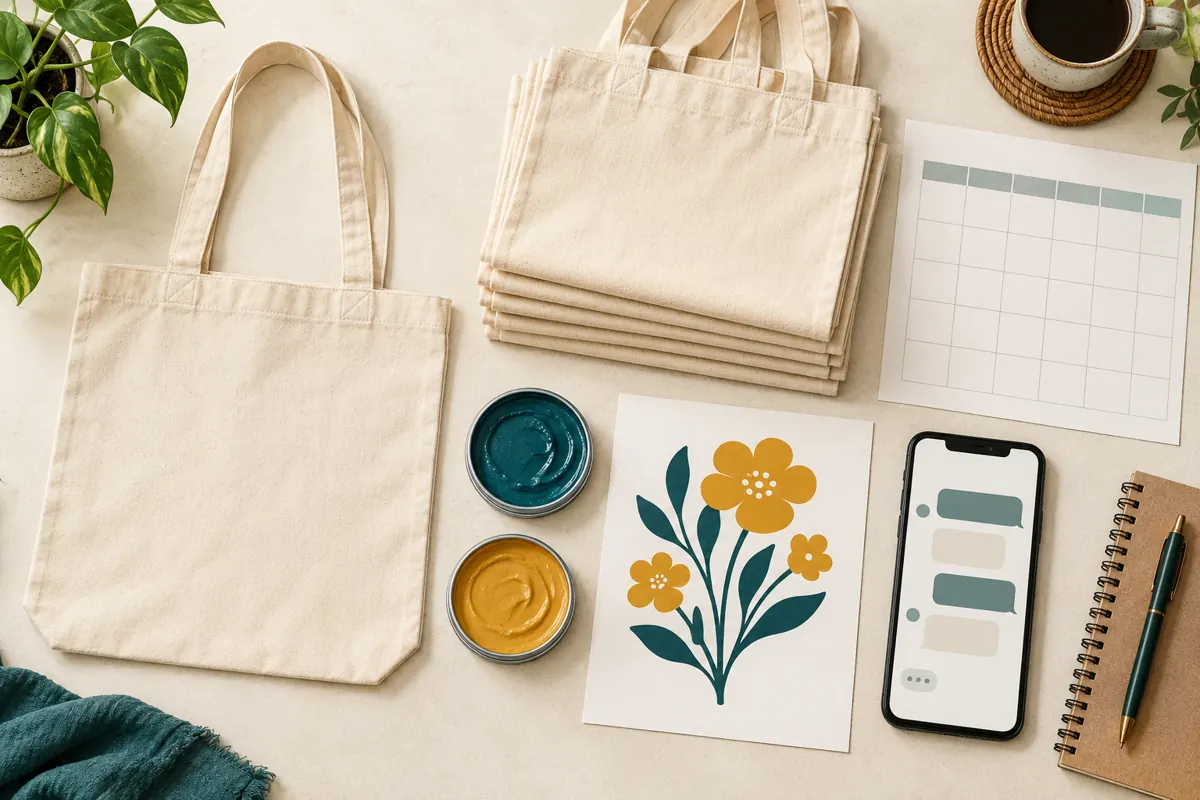
A reusable reply should explain how a deadline is assessed, rather than promise that every job can be completed within a fixed period. Ask whether the stated date is the collection date or the event date. For a customer outside the shop’s immediate area, allow the responsible staff member to check delivery arrangements separately. A printing slot and arrival at the customer’s destination are different commitments.
Use the same discipline for prices. A hypothetical reply could say: “We will confirm the price after checking the quantity, bag specification and artwork. Please tell us whether the date is flexible.” Send the actual quote only after the relevant details have been reviewed. State the currency, what is included, any separately quoted delivery charge and the quote’s validity where applicable. Avoid leaving a temporary discount or an old production promise inside a reply that staff will continue sending after circumstances change.
6. Use a read, choose, check, send routine
Give staff a short decision process. First, read the customer’s latest message together with the earlier context. Next, choose the reply that answers the current gap. Then check every sentence and attachment for relevance before sending. If the person asks whether their own fabric is suitable, a generic tote-bag intake reply may be the wrong response. The useful next action could be a manual question about the fabric or a request for production staff to review it.
Where supported in the current interface, review or edit the selected content before sending; Telegram documents quick access to sending and editing replies. Follow it with a personal acknowledgement when helpful. For example: “I have your flower artwork and the requested quantity. I still need the collection date.” Do not assume a shortcut automatically knows which facts the customer supplied. If a message needs extensive rewriting every time, split the topic into smaller replies or retire the template.
7. Walk through one hypothetical enquiry
Imagine a Phnom Penh shop posts a demonstration of printing a flower onto a cotton tote. A hypothetical customer asks for 60 bags for an event in Kampong Cham and sends a design screenshot. The staff member acknowledges the quantity, asks for the original artwork if available, and clarifies whether the requested date means dispatch or arrival. These numbers and locations illustrate the workflow; they are not reported results or a real customer case.
The customer then asks for printing on both sides. That changes the job under discussion, so the shop checks the revised specification before quoting. Production staff review the artwork, available bags and schedule. Only then does the customer receive a quote describing the agreed scope. If the date is unavailable, staff explain that directly and discuss an alternative only if one exists. The quick replies have helped collect and clarify information, while the feasibility decision remains tied to the actual job.
8. Make the public post and private reply fit together
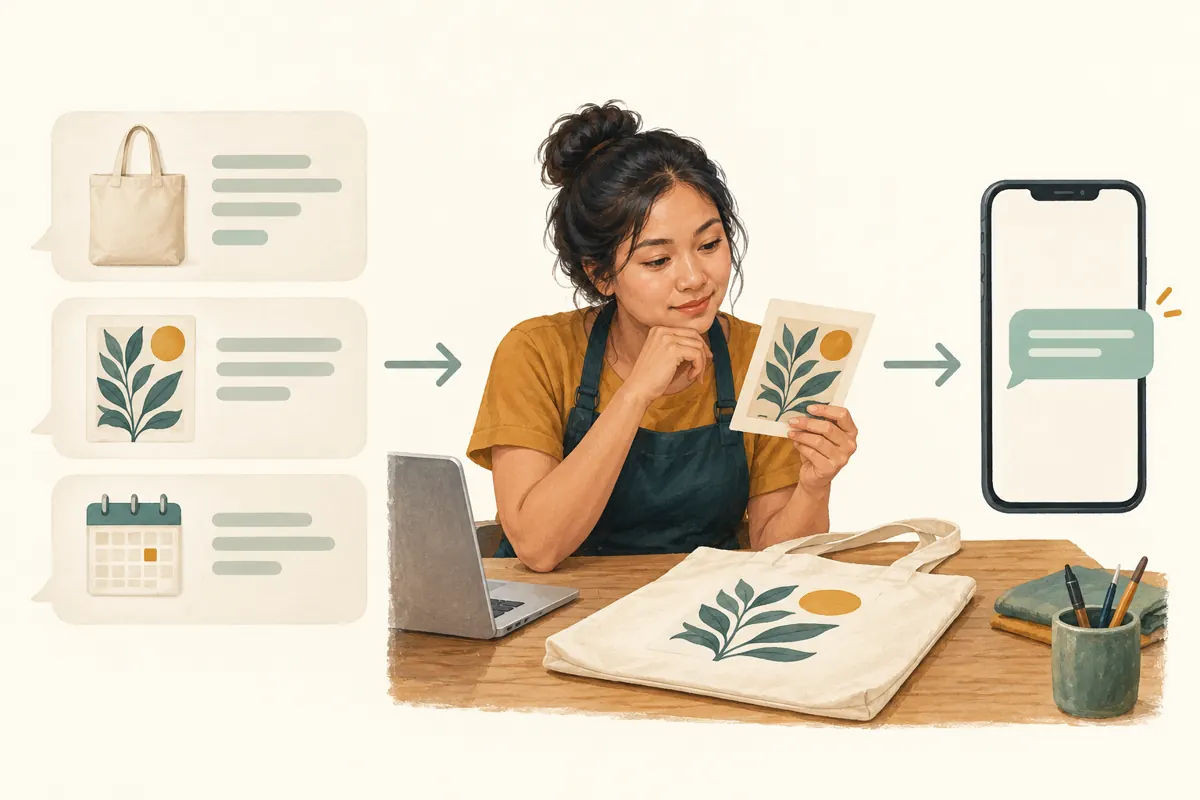
Review your promotional post against the questions in the intake reply. If customers repeatedly ask whether bags are included, explain that in the next post. If they confuse a printed sample with ready-made stock, label the sample clearly. A useful demonstration can show where a design sits on the bag and finish with a request to send artwork and quantity. This gives viewers a reason to start a relevant conversation.
For Cambodian audiences, prepare customer-facing replies in the language your customers use, with a fluent reviewer checking meaning. Maintain separate language versions when that is clearer than a long bilingual block. Keep dimensions, dates and product terms consistent across versions. Test the complete journey with a colleague: view the post, open the intended conversation and ask a realistic question. Check whether the reply answers that question and whether the colleague understands what to send next. Revise confusing wording before increasing promotion.
9. Keep SMM-panel services separate from reply capability
A panel listing is not a Telegram Business feature. The brief includes the exact public service name “Telegram - Premium members S1 ~ 7-30 days Premium Expiry ~ 5k-20k/days ~ INSTANT”. Its title presents a member-related offer, but no supporting description is supplied. The title does not establish detailed delivery behaviour, Cambodian audience origin or any ability to activate quick replies on your account. Do not treat its wording as verified performance evidence.
For this workflow, ask whether a proposed purchase solves the identified problem. If customers cannot provide enough information for a quote, a member-related service does not supply the missing artwork, quantity or deadline. There is no need to place a panel order merely because a listing appears adjacent to your platform. Purchased engagement is not evidence of genuine interest, sales, ad delivery or Cambodian users. Evaluate any service separately against its documented scope and applicable platform rules, and keep its costs distinct from customer enquiry outcomes.
10. Review misunderstandings and maintain the reply library
After using the replies, review recurring difficulties rather than assuming faster typing means better service. Note which details customers still omit, which attachments confuse them and which replies staff repeatedly rewrite. Useful observations include a customer mistaking an event date for a collection commitment or interpreting an artwork request as approval. Record these as specific communication issues, then change the sentence responsible.
Common mistakes include sending every saved message at once, embedding old prices, answering in the wrong language and treating an enquiry as a confirmed booking. Assign someone to review the library whenever the offer, production process or collection arrangements change. Keep a simple record of the reply topic, responsible reviewer and last review date. If you also track panel orders, maintain those delivery records separately. A clearer enquiry may support a business decision, but it does not prove that purchased activity caused the conversation.
Frequently asked questions
Can I use the same quick reply for every printing enquiry?
Use a shared opening only when the questions genuinely apply. Printing on customer-supplied garments may require different checks from printing shop-supplied tote bags. Read the request first, acknowledge known details and ask for the remaining information. Create another reply category when a different job type repeatedly requires different questions.
Will quick replies automatically answer everyone who messages?
The workflow here depends on a staff member choosing a reply. Telegram documents greeting and away messages separately as automated features. Do not promise automatic handling simply because you have created shortcuts. Assign someone to review incoming enquiries and decide when production staff need to become involved.
Should the first reply include a price list?
Include one only if it accurately represents the offer and you can keep it current. Explain the specifications and exclusions behind any listed price. When artwork, printing sides or supplied materials change the job, collect those details before quoting. A price list should not imply acceptance of an unchecked deadline.
Does buying a service mentioning Premium members unlock Telegram Business?
The supplied listing does not establish that capability. A member-related panel offer and access to features on your own Telegram account are separate matters. Check your account’s current Business options directly. Do not infer account access, genuine buyers or Cambodian audience membership from a service title.
How can a small shop tell whether the replies are helping?
Review whether conversations contain the information needed for a decision and whether avoidable clarification is declining. Examine actual examples of confusion rather than relying only on message volume. Record quotes and confirmed jobs using their real status, and avoid attributing changes to a panel purchase without evidence.
Explore the current service catalogue, create an account, or ask a specific question through support tickets.
- Telegram: Introducing Telegram Business
- Telegram official documentation: Telegram Business and quick replies
Prepared with AI assistance. Illustrations explain the workflow and do not represent customer results.