22/10/2026 03:53
Slider or Damaged Teeth? TikTok Video Covers for Cambodian Zipper-Repair Shops
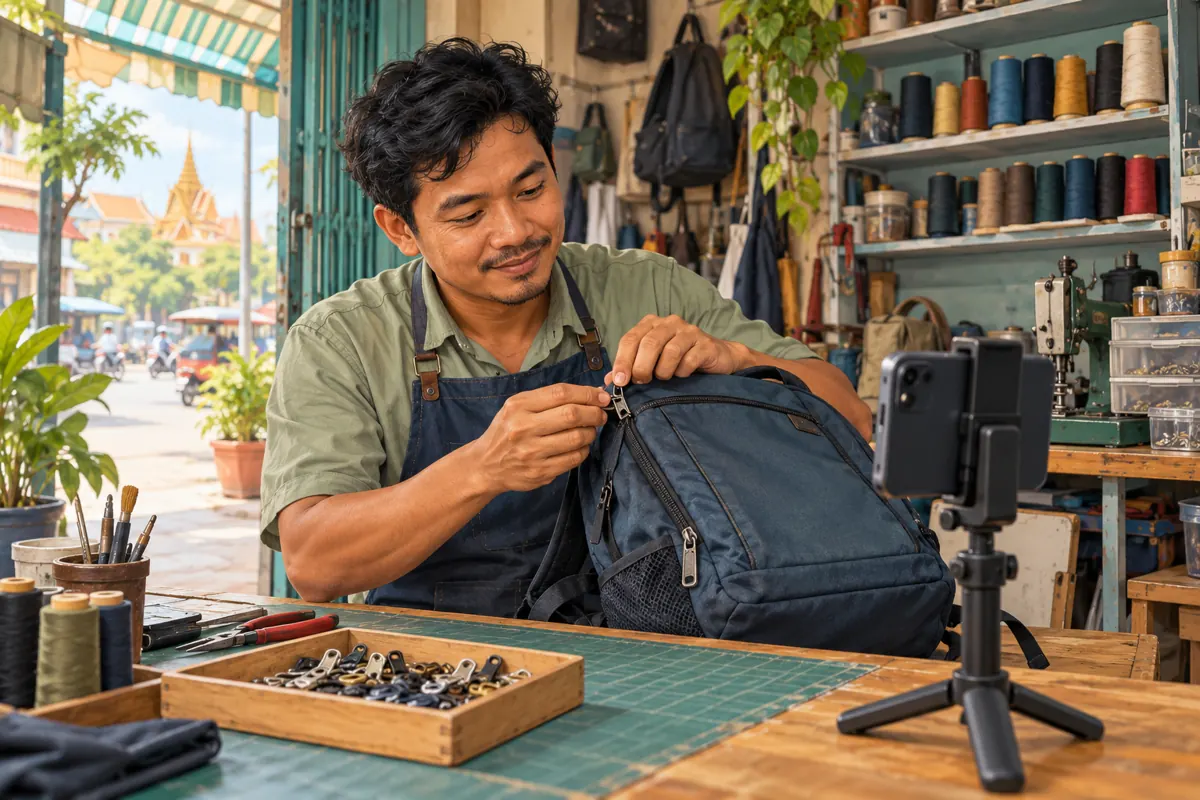
A customer looking through a repair shop’s TikTok profile may see several almost identical backpacks. One video explains a missing pull tab, another shows a slider inspection, and another discusses damaged zipper teeth. If every cover shows the whole bag, choosing the useful demonstration becomes guesswork. For a Cambodian repair business, a clearer cover can help visitors identify the question a video answers before they open it. This guide explains how to prepare, select and review those covers, connect them to an honest enquiry process, and assess SMM-panel claims without confusing purchased activity with repair demand. All shop scenarios below are hypothetical.
1. Give each cover one customer question
Start with the question a visitor can recognize without knowing repair terminology. “Is the pull tab missing?” is easier to connect with a visible problem than “Professional zipper solutions.” Other useful subjects include a zipper that separates after closing, fabric caught beside the slider, or teeth that appear damaged. Choose one subject for each demonstration. A cover cannot explain every possible cause, and a photograph alone should not promise a diagnosis.
In a hypothetical Phnom Penh shop, the owner has filmed separate demonstrations about pull tabs and sliders. Both involve navy backpacks. Instead of choosing two full-bag images, the owner selects a close view of the missing tab for one and the slider body for the other. The distinction follows the customer’s problem. Write the intended question in the production notes before editing; this gives whoever selects the cover a concrete standard beyond whether the picture looks attractive.
2. Understand what TikTok’s cover selection does
TikTok’s official help describes a video cover as the thumbnail preview used in places such as a profile or search results. Its documented workflow lets you select that cover before publishing a new video. This makes the cover useful for identifying a demonstration among other posts. It does not establish that the post will appear in a particular search, reach Cambodian customers, or receive more enquiries.
Treat the cover and the opening scene as separate editorial decisions. The cover identifies the subject at a glance; the opening scene must make sense when the video begins playing. For example, a close view of a slider can introduce the topic visually, while the opening explanation states that the shop needs to inspect the zipper before confirming repair options. Avoid spending the whole editing session decorating the preview while leaving the actual demonstration confusing or incomplete.
3. Film a usable frame before opening the selector
Prepare the demonstration so it contains at least one steady, unobstructed view of the relevant part. Rest the bag on a stable surface, use even light, and move unrelated tools away from the zipper. Let the camera focus before moving the slider. Keep fingers from covering the exact detail being discussed. A frame that looks clear during motion can still be blurred when paused, so check the recorded footage rather than relying on the live camera view.
Use a shop-owned sample when possible. If filming a customer’s item with permission, remove visible name tags, delivery labels and personal belongings from the composition. Capture enough surrounding fabric to make the part recognizable without filling the frame with the entire bag. This is preparation for an explanation, not a repair tutorial: avoid staging a successful repair result that the video does not actually demonstrate.
4. Compare candidates using a simple decision process
Pause at several plausible moments and compare them against three questions. Can a viewer identify the part? Does the image match the video’s central question? Could the image imply more than the demonstration establishes? Reject a frame if the slider is hidden, the teeth merge into a dark background, or a finished-looking bag suggests a completed repair when the video only explains inspection. Choose the clearest truthful candidate, even if another frame has more dramatic lighting.
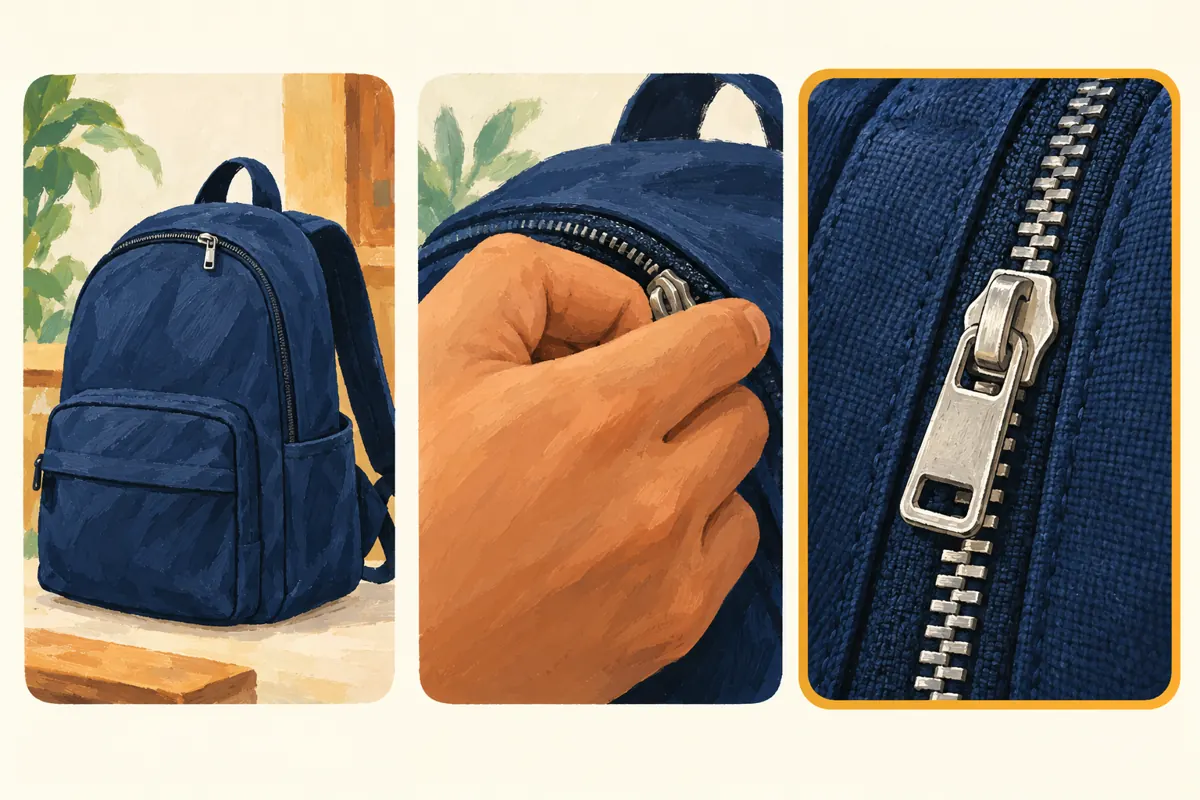
Consider a hypothetical Siem Reap shop explaining why a zipper may separate. Its candidates show the whole backpack, a hand holding the slider, and an unobstructed view of the affected zipper area. The third is the strongest starting point because the relevant detail is visible. That selection is an editorial judgment, not a measured performance result. If no candidate passes the review, record a clearer demonstration shot before publishing.
5. Select and save the cover before posting
TikTok’s published instructions are straightforward: on the post screen, tap Select cover on the video thumbnail, move the frame selection to the desired point, and tap Save. Complete this step after reviewing the edited video so the selected moment belongs to the final version. Use the controls shown in your app, and check the preview before proceeding. The official instructions cited here describe selection before posting; do not build the workflow around an assumed ability to fix everything later.
Give one person responsibility for the final cover review. In a small shop, that may be the owner; in an agency arrangement, it may be the editor with approval from the repair specialist. Record the video subject and chosen moment in ordinary production notes. If the editor later changes the sequence, check the selection again. A remembered frame position is less useful than confirming that the intended zipper detail still appears.
6. Review the cover at the size customers will see
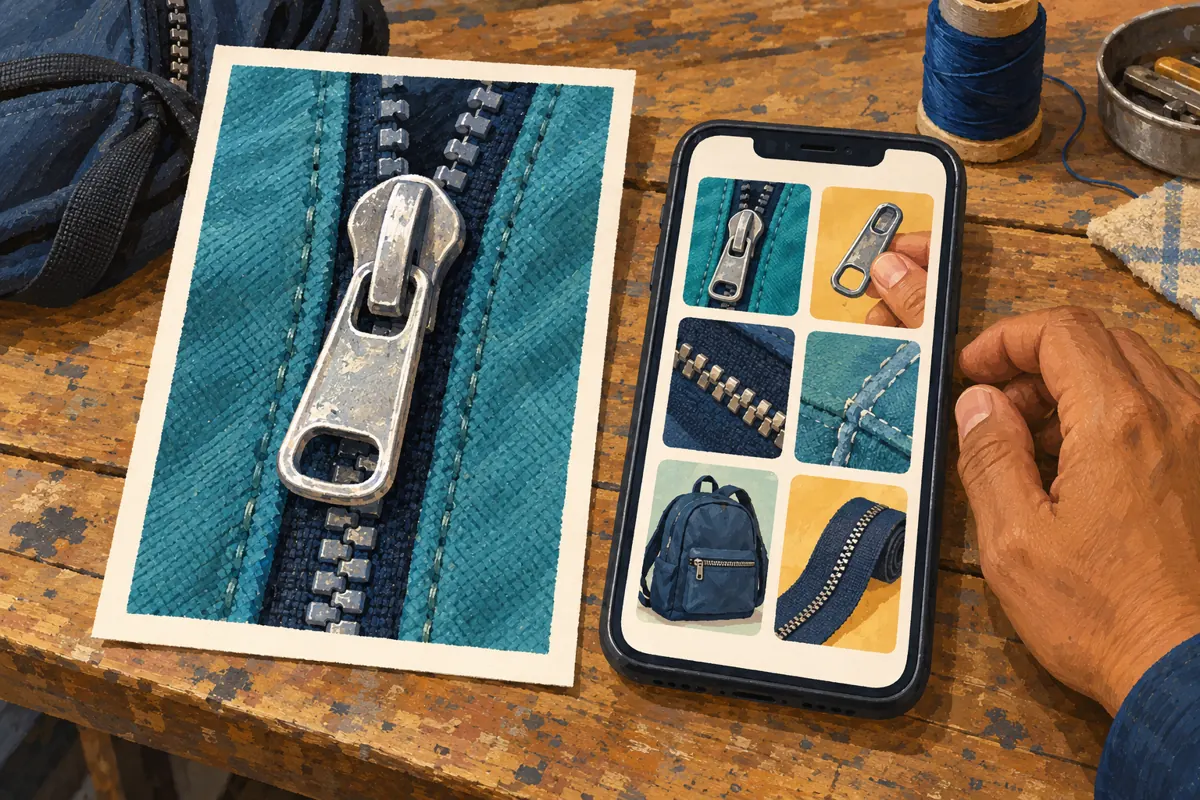
Inspect the preview on a phone without enlarging it. The important detail should remain recognizable when the image is small. If it disappears, use a closer shot or simplify the composition. Keep the subject away from extreme edges and inspect the actual displayed preview rather than assuming that every surface will present the image identically. A large editing canvas can hide practical problems that become obvious in a compact gallery.
For a Khmer-speaking audience, any optional wording should use familiar Khmer phrasing checked by a fluent reader. Technical English is useful only when customers actually recognize it. Keep wording short enough to read comfortably and avoid placing it over the zipper detail. A hypothetical label meaning “Missing pull tab?” identifies a topic; a long sentence listing every repair service competes with the image. The video itself should explain unfamiliar terms through the visible part and spoken context.
7. Match the cover with the explanation and enquiry route
Read the cover concept, opening explanation and post caption together. They should describe the same problem at the same level of certainty. If the cover highlights a slider, the caption should not promise complete zipper replacement at a fixed price unless that offer is genuinely established and applicable. Keep distinctions between inspection, a possible repair, a quotation and a confirmed booking explicit. An appealing preview should lead into an explanation the shop can stand behind.
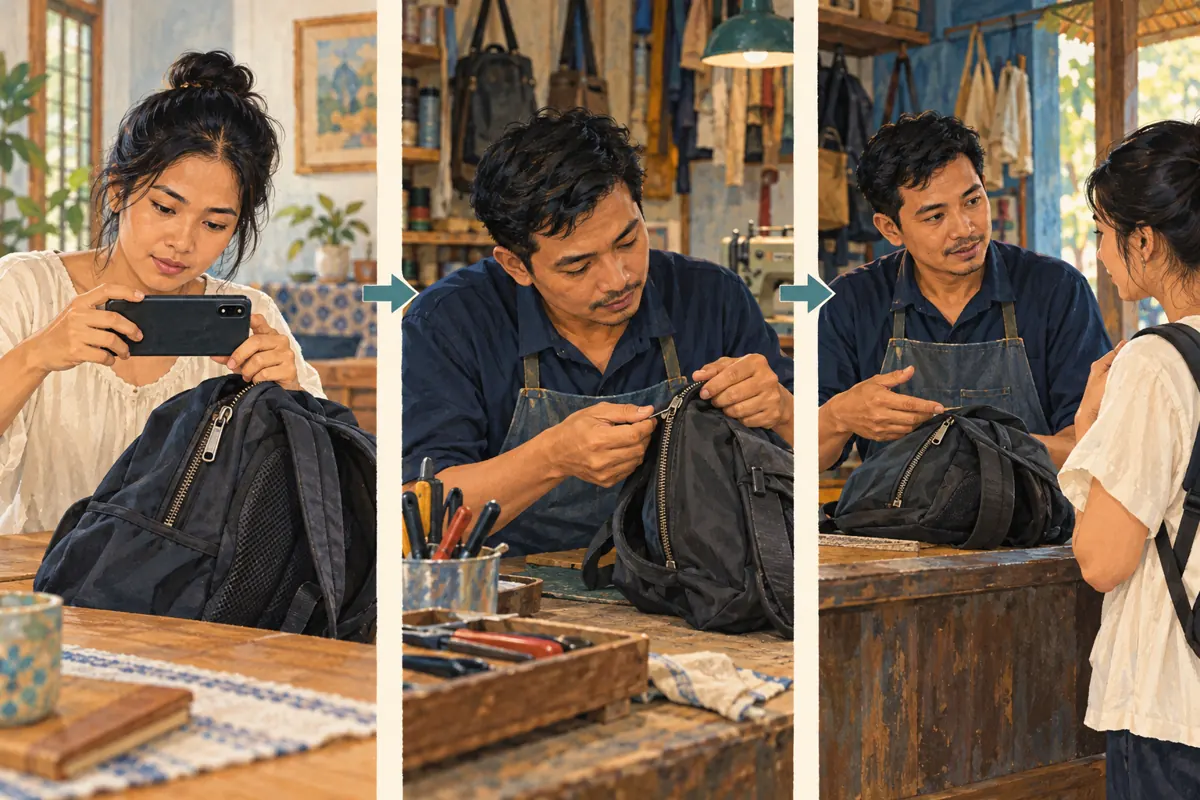
End with a practical request that helps staff assess the enquiry. A hypothetical shop might ask customers to use its stated contact method and provide a clear photo of the affected area, the type of item and a brief description of what happens when closing it. Tell them that inspection may still be necessary. Do not ask people to publish addresses or phone numbers in comments. The next step should reduce uncertainty for both customer and repair worker.
8. Make the SMM-panel decision separately
The brief lists “TikTok - Likes + Views ~ Max 1M ~ 𝐍𝐎 𝗥𝗘𝗙𝗜𝗟𝗟 ~ 20k-50k/days ~ Instant”. Its title presents a likes-and-views service, but the supplied description is empty. The title alone does not verify delivery claims, audience location or business value. Nothing supplied establishes a cover-editing service, advertising placement, or access to people in Cambodia who need zipper repairs.
TikTok’s integrity rules prohibit services that artificially increase engagement or manipulate its recommendation system. A shop considering an SMM panel should assess that restriction before spending, rather than treating a catalogue listing as platform approval. Purchased engagement is not evidence of genuine interest, sales, advertising delivery or Cambodian users. For this workflow, the useful spending decision is whether clearer filming, editing or customer communication would solve the identified problem. A larger counter cannot make an obscured slider visible or turn an uncertain repair claim into an accurate one.
9. Check understanding without inventing a performance test
Before publishing, show the proposed cover to a colleague who did not edit the video. Ask what they expect the demonstration to explain. If they answer “buying a backpack” when the subject is zipper inspection, revise the image. Ask them to point to the relevant part rather than merely asking whether they like the design. This is a small usability check. It does not predict reach or represent Cambodian customers as a whole.
After publishing, note genuine questions that reveal remaining confusion. Visitors might still mix up a missing pull tab with the slider body, suggesting that the next demonstration needs a clearer comparison. Record enquiries and confirmed work separately. If several aspects of a post change together, avoid attributing later activity solely to the cover. Timing, subject, existing relationships and other promotion may also differ. Report observed questions and completed work without manufacturing a causal story.
10. Fix the mistakes that make a repair library hard to use
Common mistakes include choosing the same wide bag shot for every video, selecting a frame during hand movement, using oversized promotional wording, and showing a successful-looking outcome without explaining its limits. Another mistake is choosing the most damaged-looking frame for attention when the video discusses a different issue. Each creates a mismatch between the visitor’s expectation and the explanation. Correct the mismatch before adding more posts to the same confusing collection.
Use a consistent visual approach while keeping individual subjects distinct. Similar lighting and a tidy background can make the collection coherent; the part being explained should provide the difference. Maintain a short list of covered questions so the next demonstration adds something useful. When a genuine customer repeatedly asks about a detail absent from existing videos, consider filming that detail. This produces a practical reference library grounded in real service conversations, with covers that help people find the explanation they need.
Frequently asked questions
Should the cover show the broken zipper or the repaired result?
Choose the image that accurately identifies the video’s purpose. An inspection explainer usually benefits from showing the problem area. A completed-repair demonstration may show the result if the footage substantiates it and the explanation does not imply that every similar item can receive the same repair.
Does a clearer cover guarantee more TikTok search traffic?
No. TikTok describes covers as previews in places including profiles and search results, but that does not establish a ranking benefit. Judge the cover first by whether it identifies the subject accurately. Avoid promising traffic increases from a visual change alone.
What if the video has already been posted with a poor cover?
Check the editing controls currently available for that post before deciding what to do. Do not assume a particular correction option exists. Assess how seriously the preview misleads visitors, preserve the original footage, and plan any replacement carefully because existing shared links may still point to the earlier post.
Can purchased likes or views show which cover customers prefer?
No. Purchased activity cannot establish customer preference or local repair demand. It also raises the platform-policy issue described above. Use direct comprehension feedback and genuine enquiry questions to identify confusion, while recognizing that these observations are not a controlled comparison of cover performance.
Explore the current service catalogue, create an account, or ask a specific question through support tickets.
- TikTok Help Center: Editing, posting, and deleting — Adding a video cover
- TikTok Community Guidelines: Integrity and Authenticity
Prepared with AI assistance. Illustrations explain the workflow and do not represent customer results.