19/10/2026 20:42
Which Backdrop Was That? Telegram’s Media Calendar for Cambodian Decoration Rental Shops

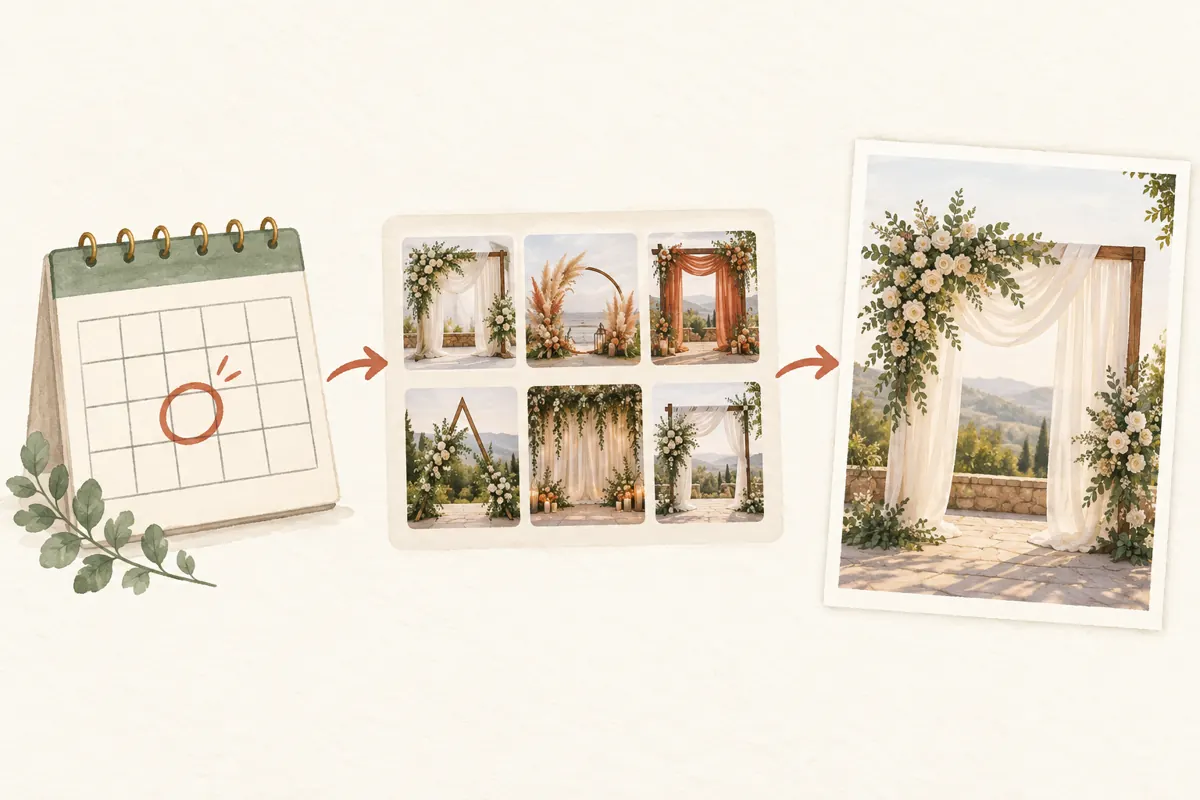
A customer remembers a cream backdrop with green fabric that your shop posted around a family celebration. They cannot remember its name, and your Telegram channel now contains many similar arrangements. Sending the nearest-looking photograph may start a quotation for the wrong frame, flower package or venue layout. For Cambodian decoration rental businesses, finding the original image is a practical part of social media promotion: attention becomes useful when staff can identify what someone wants. Telegram’s shared-media calendar can help when the strongest clue is an approximate posting date. This workflow explains how to retrieve a candidate, check its context and prepare an accurate response before spending time or money promoting it again.
1. Start with a date clue and one visual detail
Ask two short questions before browsing: approximately when did the customer see the picture, and which feature do they remember? A curved frame, hanging lantern or particular fabric arrangement is more useful than “the beautiful wedding decoration.” Also establish whether they saw it in your public channel, a group or a private conversation. Looking through the wrong destination can make an ordinary retrieval task unnecessarily difficult.
In a hypothetical Phnom Penh rental shop, a customer remembers a green-and-cream backdrop posted shortly before Khmer New Year. The assistant records that period and asks whether the frame was rectangular or rounded. These are search clues, not confirmed specifications. Keep the customer's desired event date separate; the date they need the decoration does not identify when the reference appeared.
2. Open shared media and narrow the date range
Telegram’s official shared-media guide describes opening a chat’s header and scrolling down to its media area. The date bar provides a route into a calendar with daily media previews. Select a likely date to inspect the media associated with it. Telegram also documents filters for photos, videos or both. These controls help reduce visual browsing when a conversation contains many uploads.
Begin with the likely week, then widen the period if necessary. Use the photo filter when the customer clearly remembers a still image; include videos if they may remember a frame from a walkthrough. Interface placement can vary by app version, so confirm the controls on the device your team actually uses. The official instructions are at https://telegram.org/blog/shared-media-scrolling-calendar-join-requests-and-more.
3. Treat the calendar date as a retrieval clue
Do not interpret a media-calendar entry as proof of when an installation happened. A shop might photograph a completed setup on one day, share it with staff later and publish it the following week. An older design might also appear again in a seasonal promotion. The useful question is when that media appeared in the conversation being searched, rather than when the decorations were manufactured or rented.
For the hypothetical shop, the first search around the remembered celebration finds nothing. Instead of assuming the photo disappeared, the assistant checks the following week and asks whether the customer saw a repost. Once a candidate appears, record its posting context separately from any event date stated in the caption. This prevents an uncertain memory from becoming an invented project history.
4. Confirm the design before discussing the package
Open promising images at a size that makes distinguishing details visible. Compare the frame shape, drape position, flower placement and surrounding furniture. Avoid choosing solely by colour: lighting can make cream fabric look white, while different setups may use the same green cloth. Read the associated caption and relevant conversation before describing the image to the customer.
Send one strong candidate or a small, clearly distinguished selection. Ask whether they mean the frame, the colour combination or the complete arrangement. In our hypothetical example, the customer confirms the draping but says they want no flowers. That answer changes the task from reproducing a photographed package to quoting a simpler adaptation. Confirming this early avoids preparing a detailed offer for elements they never requested.
5. Separate visible objects from rental inclusions
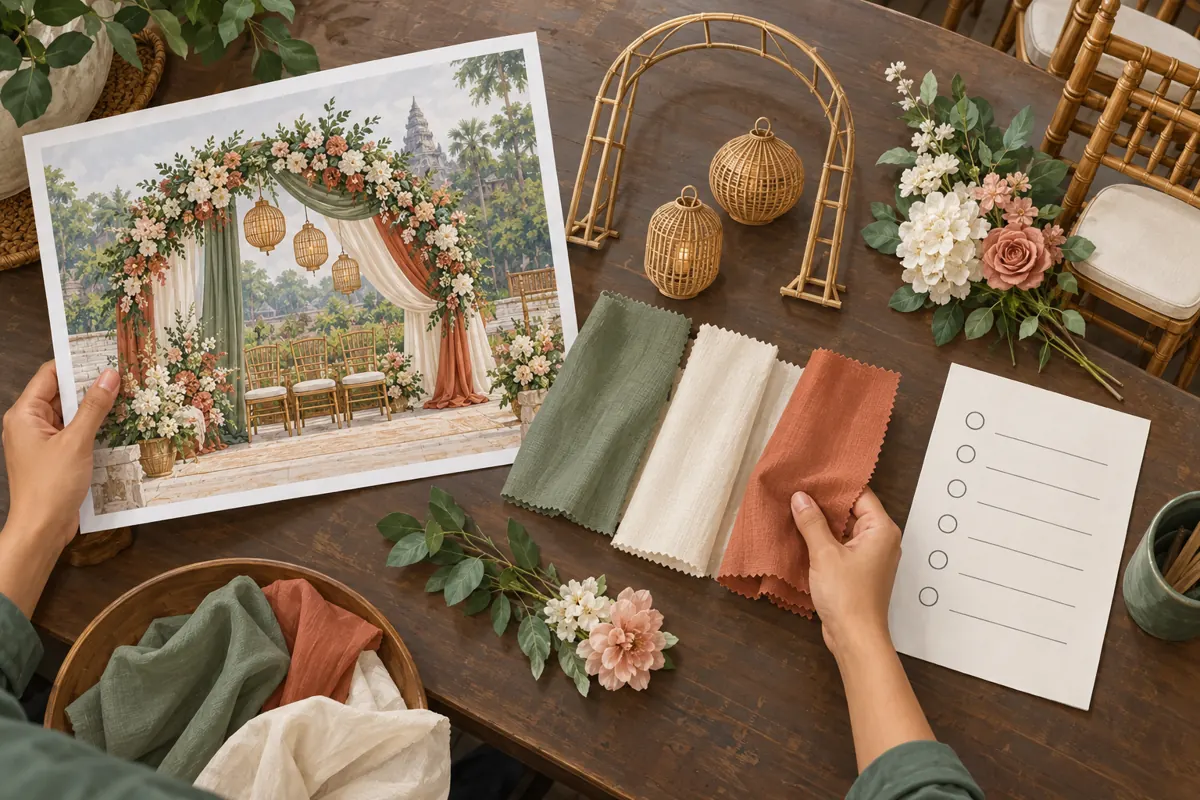
A photograph is not an itemised offer. Chairs may belong to the venue, a floral display may have come from another supplier, and decorative lamps may have been included only for that particular job. For each prominent object, decide whether your business supplied it, can supply it now and intends to include it in the proposed quote. Leave uncertain items unresolved until someone checks.
Build a brief reference note containing the selected image, the requested features, current component availability and exclusions. Then ask for the new venue location, approximate setup space, event date and installation access. A design that worked in a spacious hall may need adaptation for a narrow entrance. These checks connect the attractive image to a feasible service rather than treating a past arrangement as a standing promise.
6. Choose between a private reference and a fresh promotion
An old photo can answer a private identification question without becoming your next public campaign. Before reusing it publicly, check that you have permission for that use, including any recognisable guests or private event details. Review whether the image still represents what you can offer. If the design has changed substantially, a fresh demonstration photo may communicate the proposal more accurately.
Use a simple decision rule. If the arrangement remains representative and its context is clear, prepare a current caption explaining the available scope. If only part remains available, describe the image as a past example and specify the differences. If the picture creates more confusion than it resolves, photograph a current setup. Do not describe an illustrative mockup or generated scene as a completed customer installation.
7. Write the next message around the enquiry
The response should help the customer take one useful next step. For the hypothetical enquiry, an assistant might write: “This is the earlier arrangement you identified. We can check a version using the cream fabric and green draping without flowers. Please send your event date, venue area and approximate available width so we can confirm the setup and quote.” This explains what has been identified and what remains undecided.
For a public promotion, put the design description beside the information needed to enquire. Clarify whether delivery, installation, flowers and furniture require separate confirmation. Use Khmer or English according to the intended readers, and have someone check that translated exclusions retain their meaning. Keep old prices and former booking conditions out of the new message unless they have been explicitly reconfirmed.
8. Decide whether an SMM panel service fits this task
For a KhmerBoosting customer, finding the correct reference and clarifying the offer should come before evaluating a service purchase. A catalogue entry cannot retrieve the photograph, check your rental stock or answer a venue question. If those tasks remain unresolved, address them first. More visible activity around an ambiguous offer can leave staff handling the same confusion more often.
One public listing supplied for this article is “Telegram - Channel Boost - For 1 days”. Its title identifies a channel-boost listing with a one-day label, but its description is empty. That information does not establish detailed functionality, eligibility, delivery conditions or suitability for your channel. Request clarification before relying on it. Purchased engagement is not evidence of genuine interest, sales, advertising delivery or Cambodian users, and a panel listing does not establish official Telegram affiliation.
9. Avoid retrieval mistakes that weaken customer trust
The most common mistake is forwarding an attractive picture without checking what accompanied it. Another is sending so many alternatives that the customer must repeat the identification work. A third is calling the arrangement “available” because its photograph remains visible. Availability depends on the requested date, the condition and commitments of the components, and the staff needed to install them.
Set a reasonable stopping point for the search. If the remembered period produces several ambiguous candidates, ask for another visual clue or a copy of the customer's saved reference. Do not keep guessing while presenting each guess as certain. If you cannot identify the original, say so and offer a current example with a clear description. An honest alternative is more useful than a confident mismatch.
10. Make the next retrieval easier and review useful outcomes
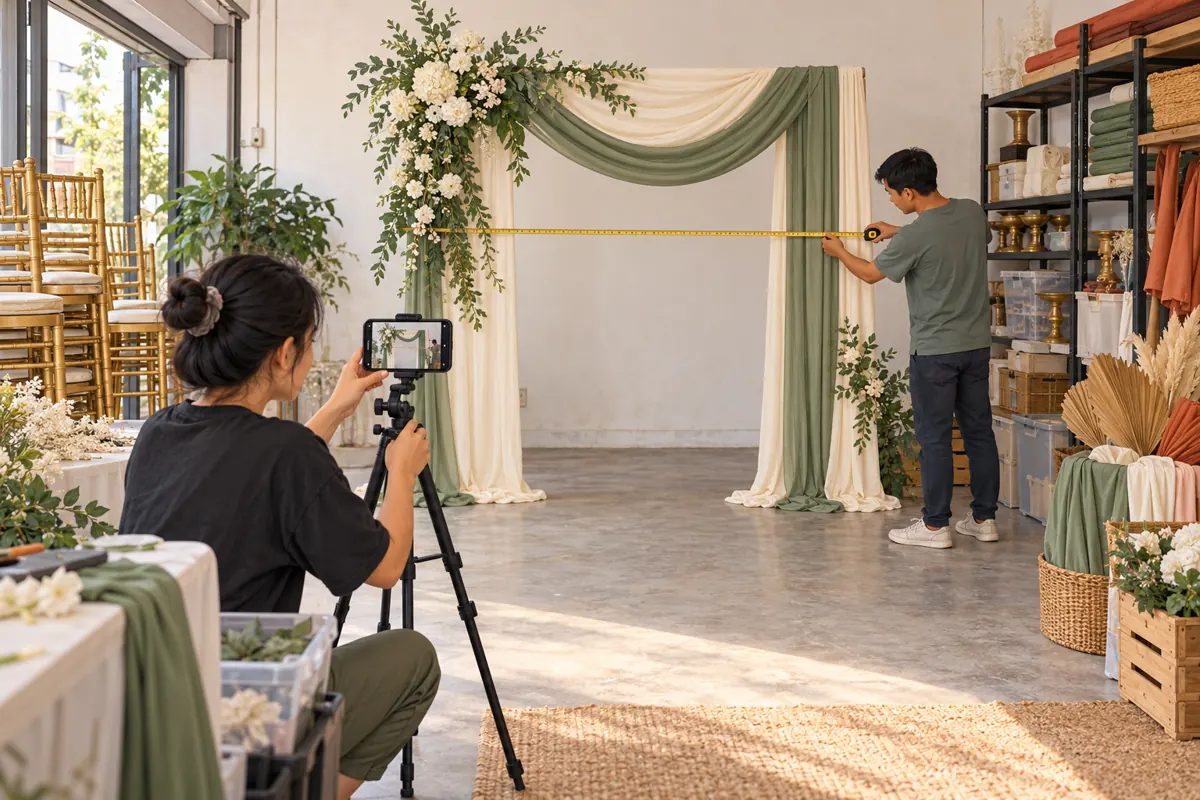
After resolving the enquiry, add a concise internal reference using terms your team understands: frame shape, fabric colours, distinctive accessories and where the original appeared. Give substantially different arrangements different identifiers. Keep customer contact details and private event information outside any public reference caption. Future staff should be able to find the design without needing the previous assistant's memory.
Review whether the process identified the right arrangement and produced the information needed for a quotation. Record repeated confusion, such as customers assuming chairs are included, and improve the next caption or demonstration accordingly. Keep any panel order record separate from these observations. A completed service order documents a purchase outcome; a confirmed design request documents a customer conversation. Neither alone proves that a promotion caused a booking.
Frequently asked questions
What if the customer remembers the event date but not the posting date?
Use the event date as a starting clue, then check nearby periods because staff may have uploaded the media later. Ask whether the customer saw the picture at the time or in a subsequent promotion. Keep the search provisional until the visual details match. Do not rewrite the event history simply to fit the date where you found the image.
Can an old photo confirm that the same package is available now?
No. It can help identify the requested appearance, but current availability requires a separate check. Confirm the frame, fabric, accessories, installation team and requested date. Explain substitutions before quoting. If the customer wants an exact recreation and a key component is unavailable, state that clearly rather than describing a similar arrangement as identical.
Should staff forward the old post or send a new explanation?
Choose the form that preserves accurate context. An old post may be useful for identifying the design, but an outdated price or inclusion list can confuse the new enquiry. Add a clear explanation of what is being referenced and what needs reconfirmation. For a new public promotion, prepare current offer details rather than relying on readers to notice an old date.
Does a channel-boost listing help people find a particular old photo?
The supplied listing does not establish that capability. Its description provides no supporting explanation, so do not treat it as a media-search service or a guarantee of enquiries. Use Telegram's media browsing tools and your own design records for retrieval. Assess any purchase against a clearly stated purpose and documented conditions, independently of the customer's request.
What should a small shop track without building a complex reporting system?
Keep a short note of the requested design, whether it was identified, which details were missing and what happened next. For example, a hypothetical enquiry may stop because the customer has not chosen a venue, rather than because the photo failed to persuade them. Record that distinction. Use recurring questions to improve captions, and avoid attributing bookings to purchased activity without supporting evidence.
Explore the current service catalogue, create an account, or ask a specific question through support tickets.
Prepared with AI assistance. Illustrations explain the workflow and do not represent customer results.